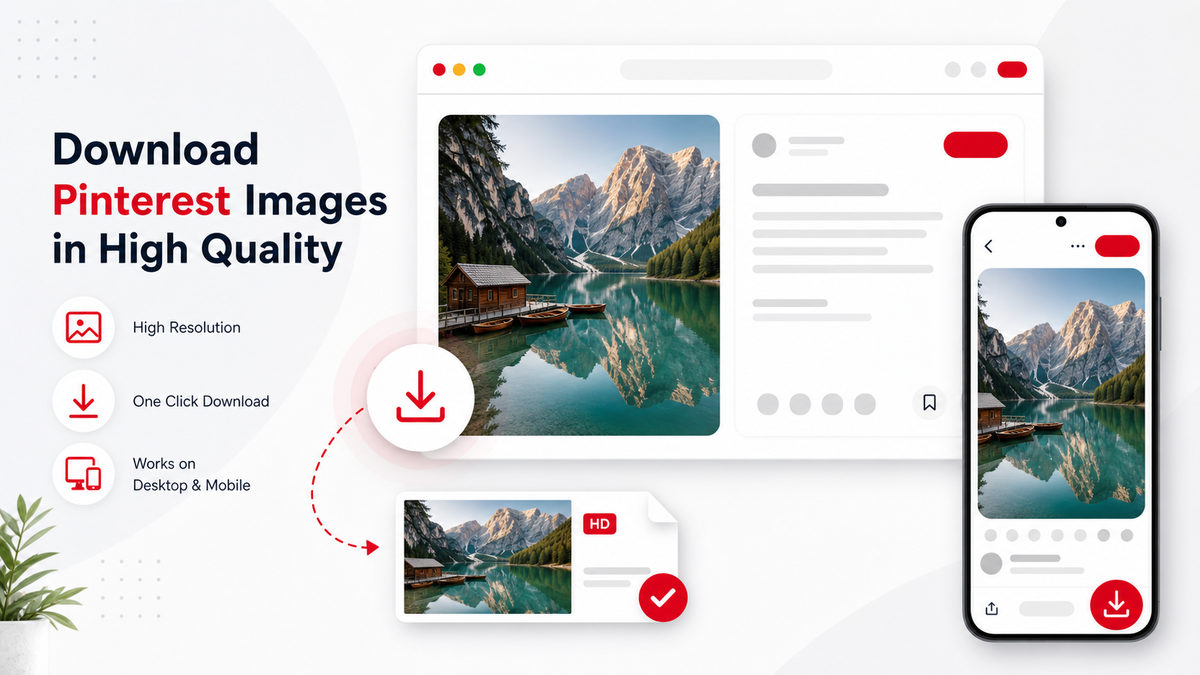
Pinterest image Pins are useful for mood boards, recipes, product ideas, design references, and tutorials. A Pinterest Image Downloader search usually means the user wants the cleanest available image, not a screenshot. PintVideo v1 is video-first, but understanding image Pins helps you choose the right link and avoid failed video downloads.
Image Pins vs Video Pins
A static image Pin does not contain MP4 video media. If you paste an image-only Pin into a video downloader, it may return an unsupported-media error. If the Pin contains motion, compare it with the Pinterest GIF Downloader guide.
How to Copy the Right Image Pin Link
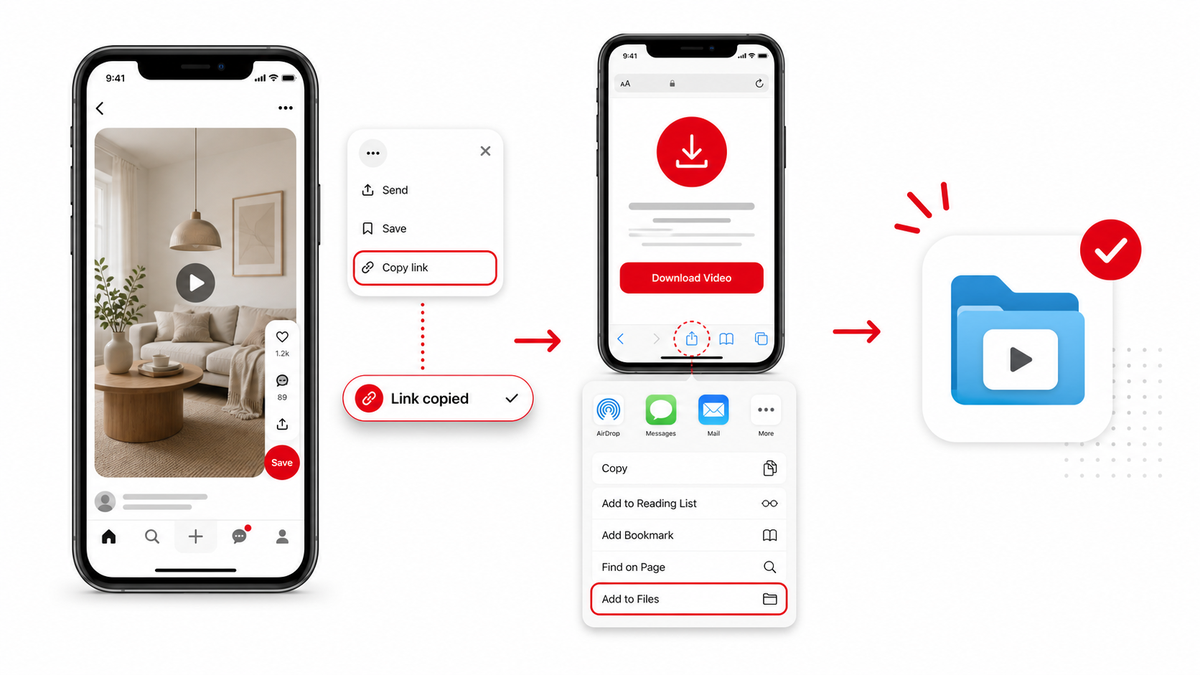
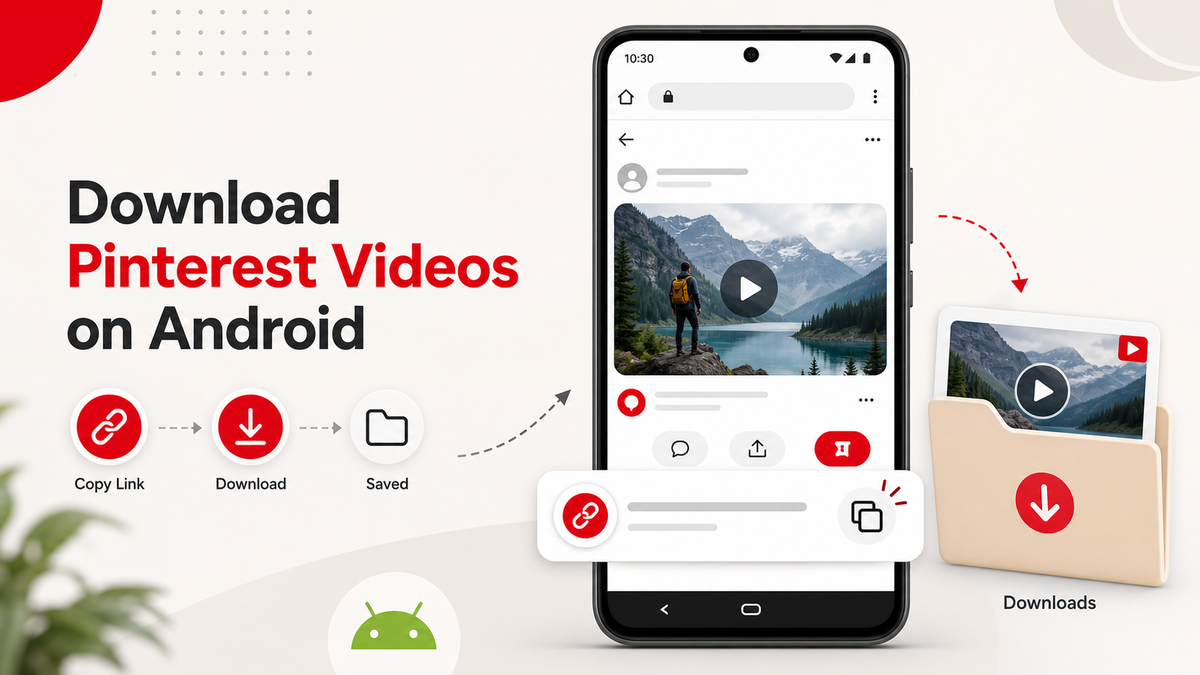
Open the exact Pin and copy its direct URL. Avoid board, profile, search, and feed URLs. The same URL hygiene also matters for video downloads on iPhone and Android.
Quality Notes
The final quality depends on what Pinterest makes available for the public Pin. A downloader cannot create detail that is not present in the source image, and screenshots usually reduce quality compared with saving the original asset.
Use Images Responsibly
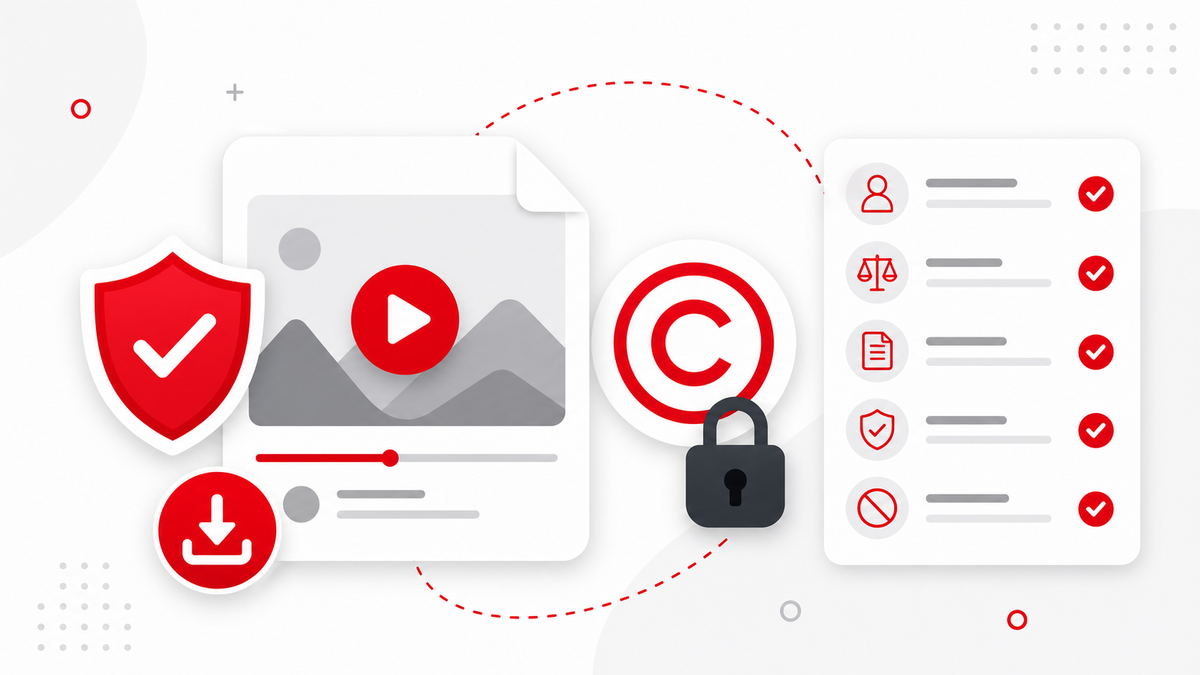
Pinterest images may belong to creators, brands, or websites. Save them for personal reference unless you own the content or have permission. The legal and safety guide also applies to image reuse.
FAQ
Can PintVideo download static image Pins?
The first version is focused on video downloads. Image data may appear as thumbnails, but image downloading is not the active v1 feature.
Why does an image Pin not download as MP4?
Because static image Pins do not contain video media.
Is a screenshot the same as downloading the image?
No. Screenshots usually capture a lower-quality view of the image instead of the original asset.