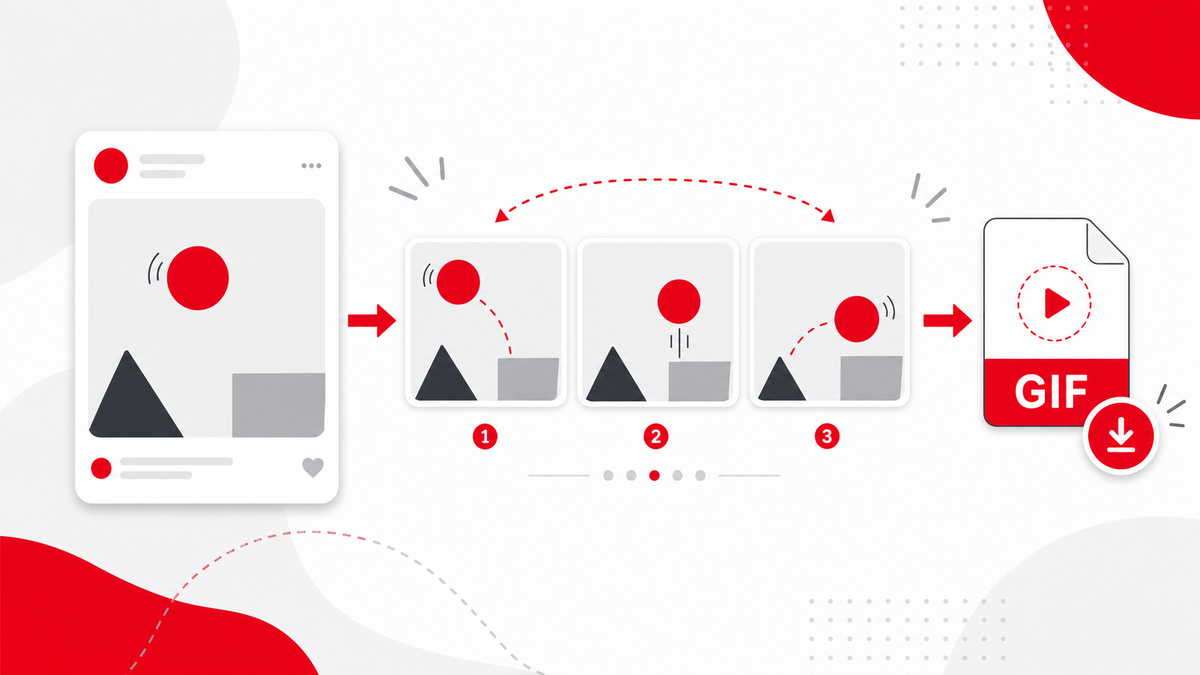
Many animated Pinterest posts look like GIFs, but the actual file may be a short video. A Pinterest GIF Downloader query often means users want to save that animated Pin for offline reference. PintVideo v1 focuses on video downloads, so GIF-style Pins are supported only when Pinterest exposes them as downloadable video media.
Are Pinterest GIFs Really GIF Files?
Sometimes yes, but many animated Pins are delivered as video. If the public Pin has an MP4 source, PintVideo can treat it like a video Pin. If it is image-only or hosted in a format not exposed for download, it may not be available in this version.
How to Try a GIF-Style Pin
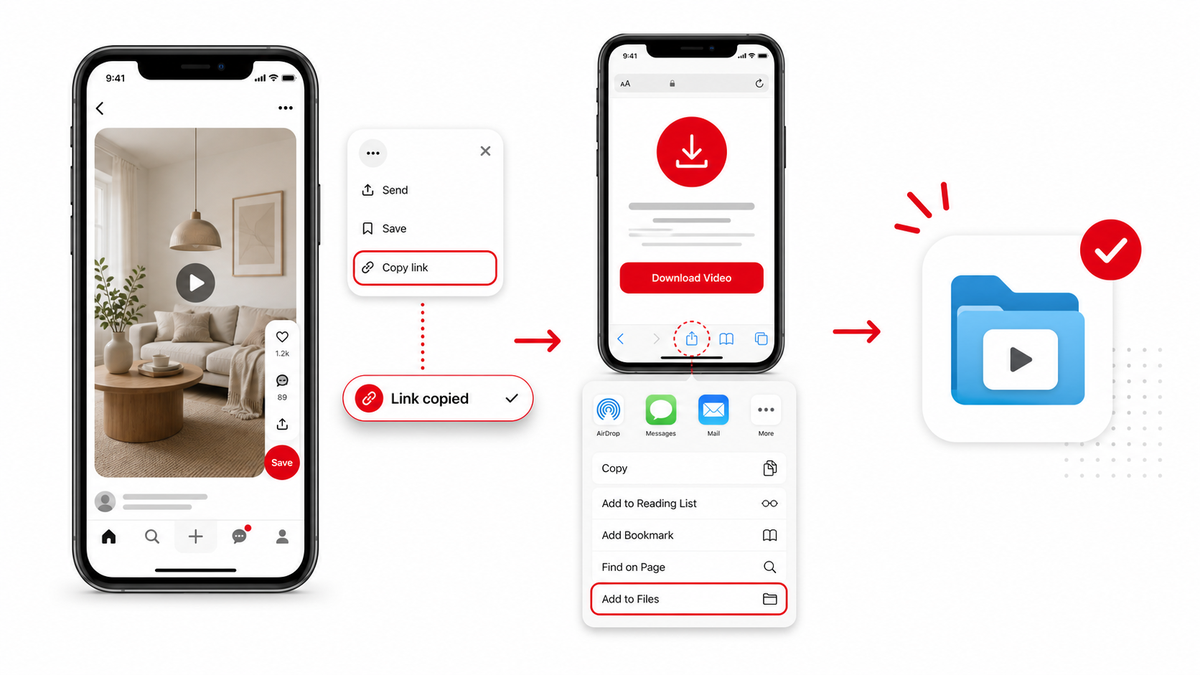
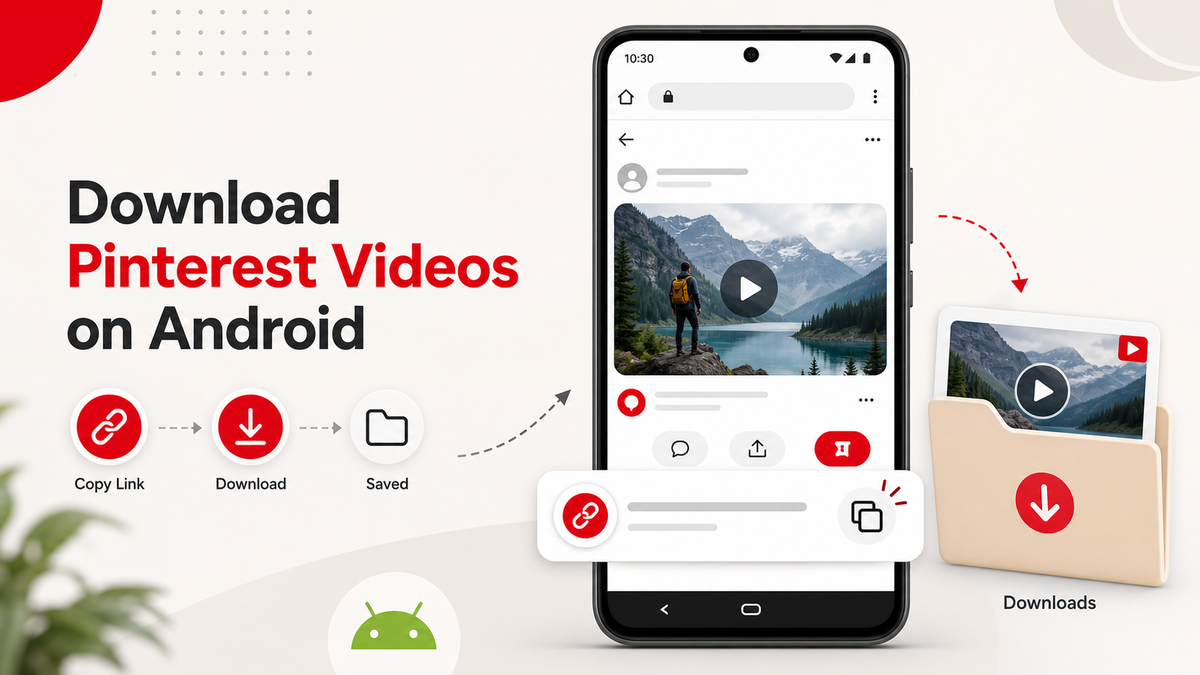
Copy the direct public Pin link and paste it into PintVideo. If a video preview appears, download the file. The same browser process works on iPhone and Android.
GIF vs Image Pins
If the Pin is static, read the Pinterest Image Downloader guide. If the Pin is animated but does not resolve as video, it may be outside the current video-only scope.
Responsible Use
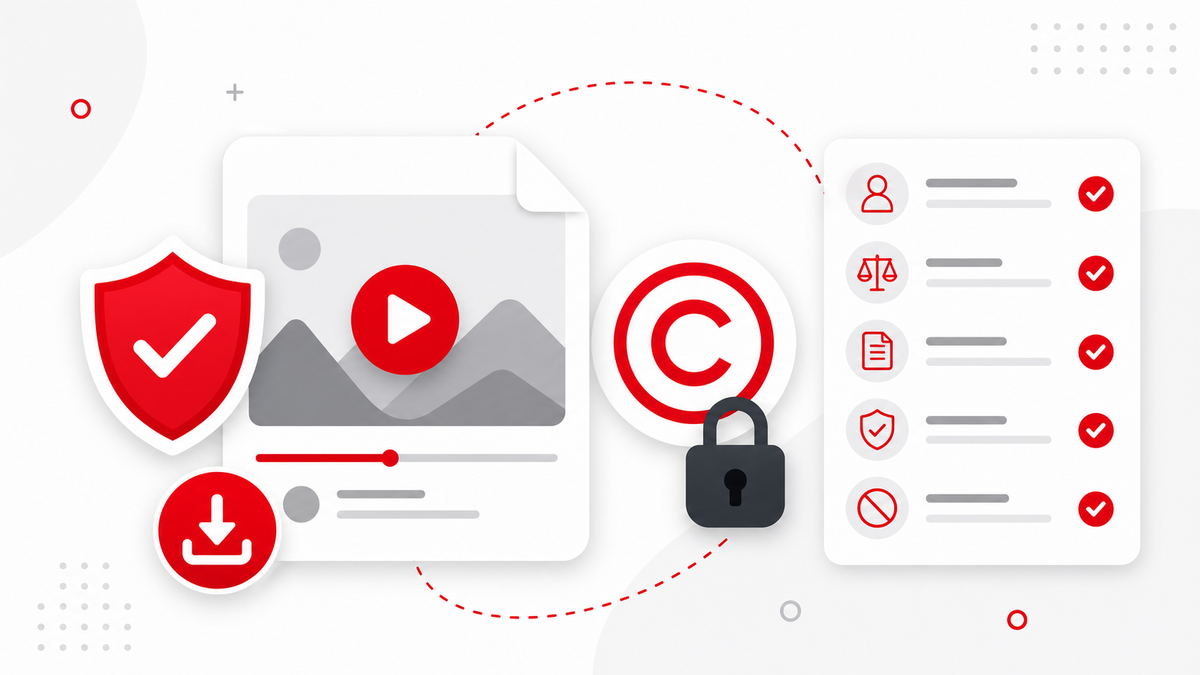
Animated Pins can be copyrighted or creator-owned just like videos and images. Review the safe Pinterest downloader guidance before reusing saved media publicly.
FAQ
Can PintVideo download every Pinterest GIF?
No. It can only download GIF-style content when Pinterest exposes accessible video media for the public Pin.
Will the file be GIF or MP4?
In v1, PintVideo focuses on video downloads, so animated Pins are usually saved as MP4 when supported.
Why does an animated Pin fail?
It may be private, image-only, deleted, restricted, or not exposed as downloadable video media.