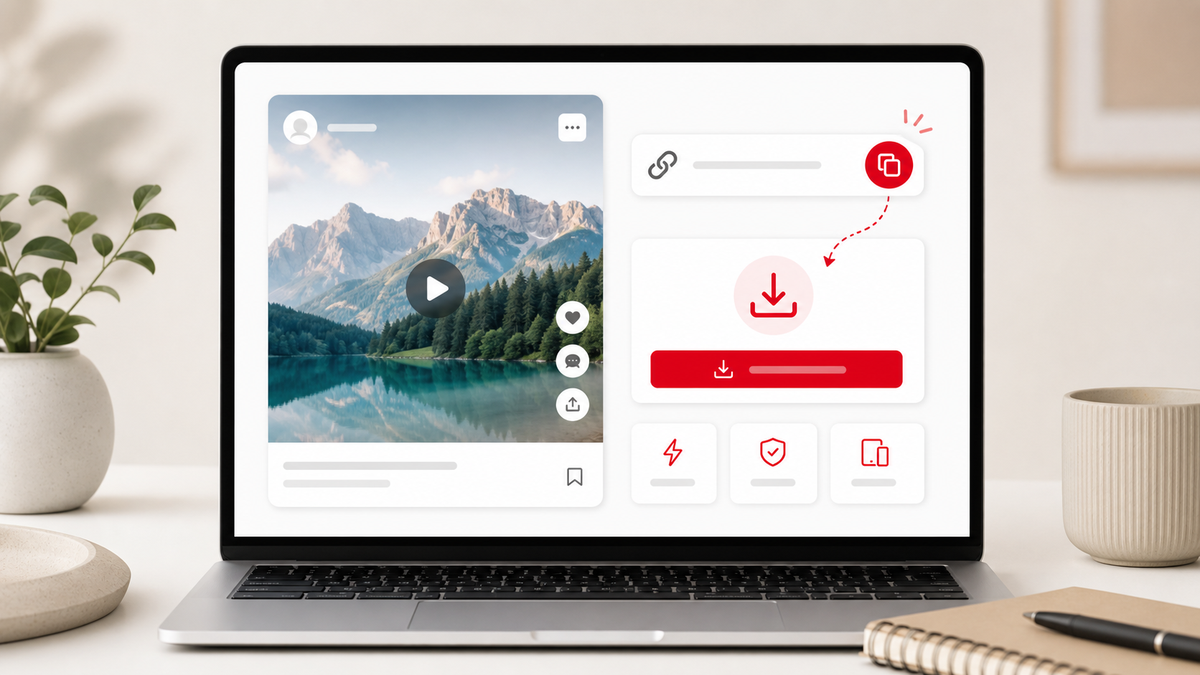
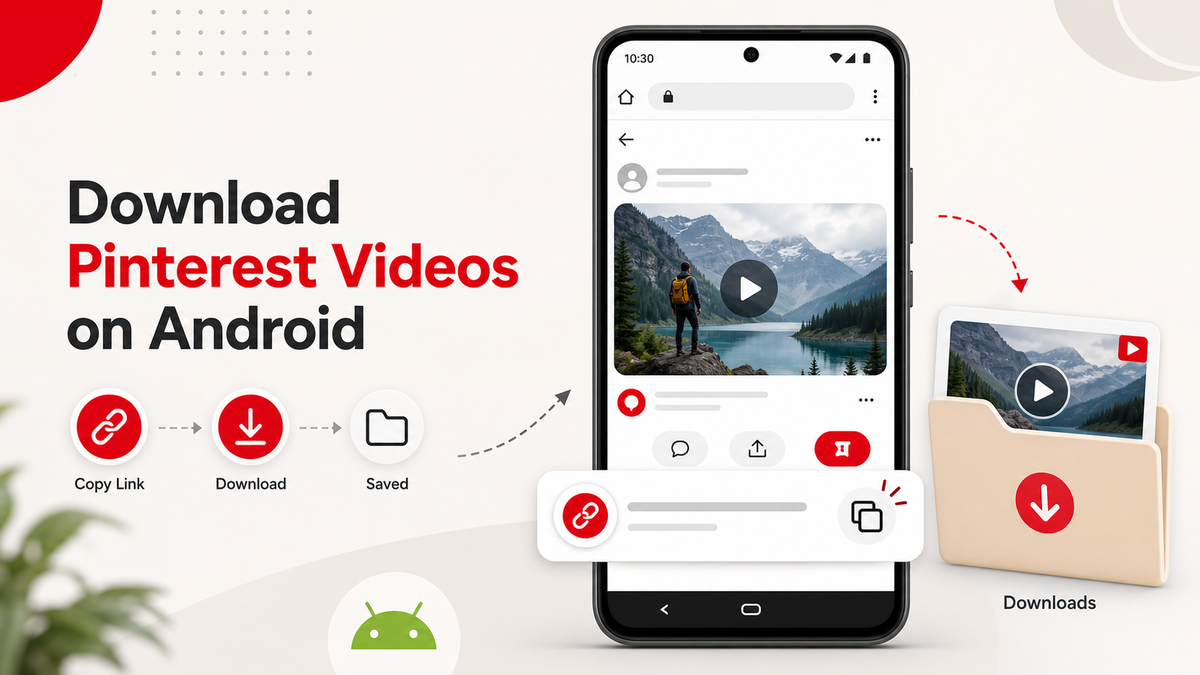
Android makes browser downloads easy. Copy a public Pin link, open Pinterest Video Downloader for Android, paste the URL, and save the MP4 when PintVideo finds a supported video file.
Step 1: Copy a Public Pinterest Video Link
Open the Pinterest app or website and copy the link from the exact video Pin. Avoid copying a board, profile, search page, or feed URL. A direct Pin URL gives the downloader the best chance of finding the media file.
Step 2: Paste the Link in Chrome
Open Chrome or your preferred Android browser, go to PintVideo, and paste the URL. If the link is public and contains video, the preview should load. If it fails, use the troubleshooting checklist.
Step 3: Find the Downloaded MP4
After downloading, check Downloads, Files, My Files, or your browser downloads list. Some Android browsers ask where to save the file; others save automatically.
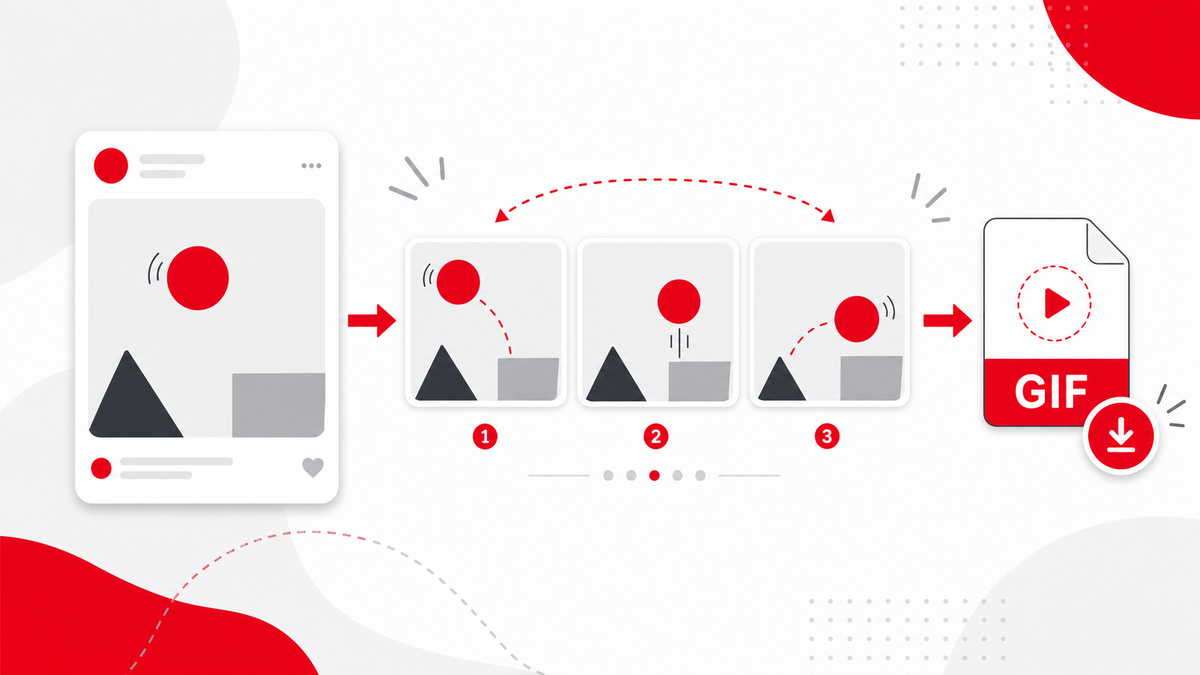
GIF and Image Pins on Android
This first version of PintVideo focuses on video downloads. If you are comparing media types, read the guides for Pinterest GIF Downloader and Pinterest Image Downloader.
FAQ
Can I use PintVideo without installing an APK?
Yes. PintVideo works through the Android browser and does not require an APK.
Why is my Android download not visible?
Check your browser downloads list and the Downloads folder. Some browsers save files inside their own download manager first.
Does PintVideo work with pin.it links on Android?
Yes, when the short link resolves to a public Pinterest video Pin.