When people search for a Pinterest to MP4 downloader, they usually want a local video file that works everywhere. MP4 is widely supported across phones, computers, editors, browsers, and media players, which makes it a practical format for saving public Pinterest video Pins.
What Does Pinterest to MP4 Mean?
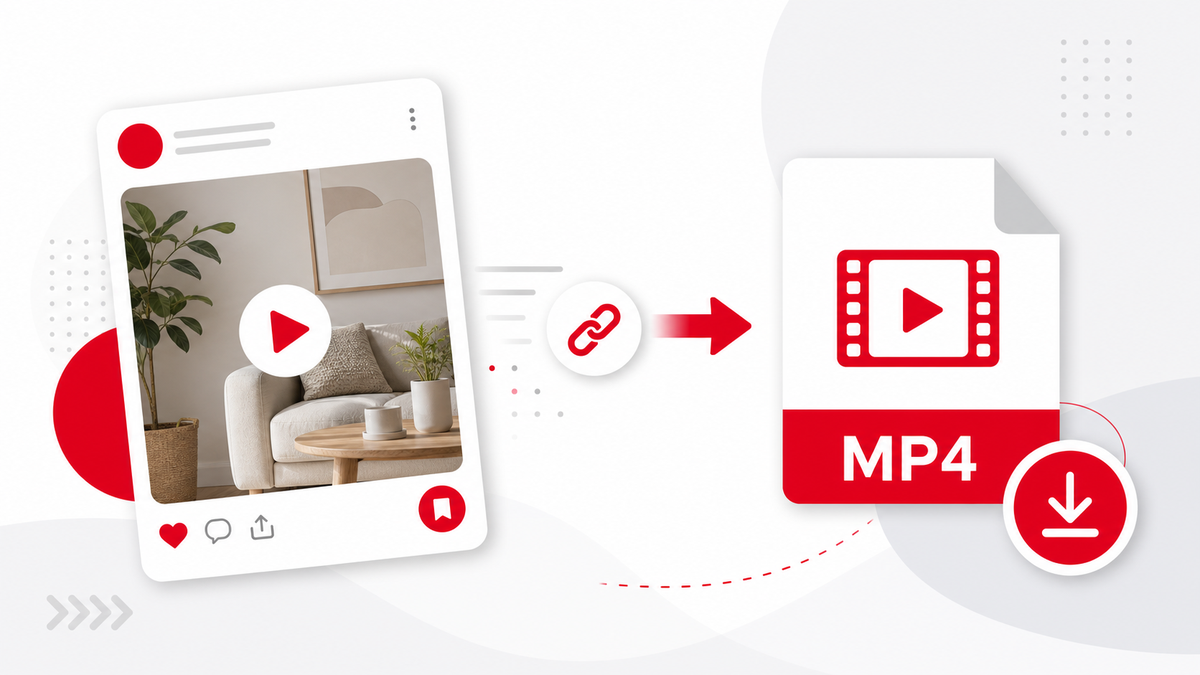
Pinterest hosts media in formats chosen by the platform. A downloader resolves the public Pin, finds the best available video source, and saves it as an MP4 when Pinterest provides an MP4 file. PintVideo does not change private access rules or unlock restricted content.
How to Save a Pinterest Video as MP4
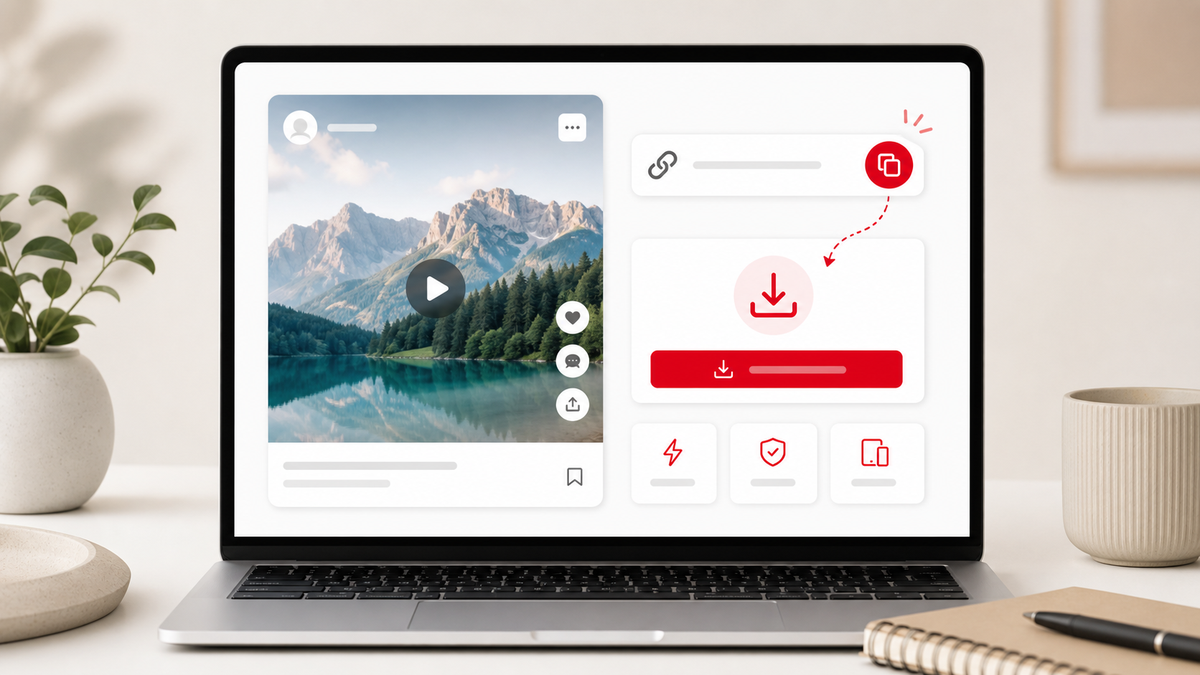
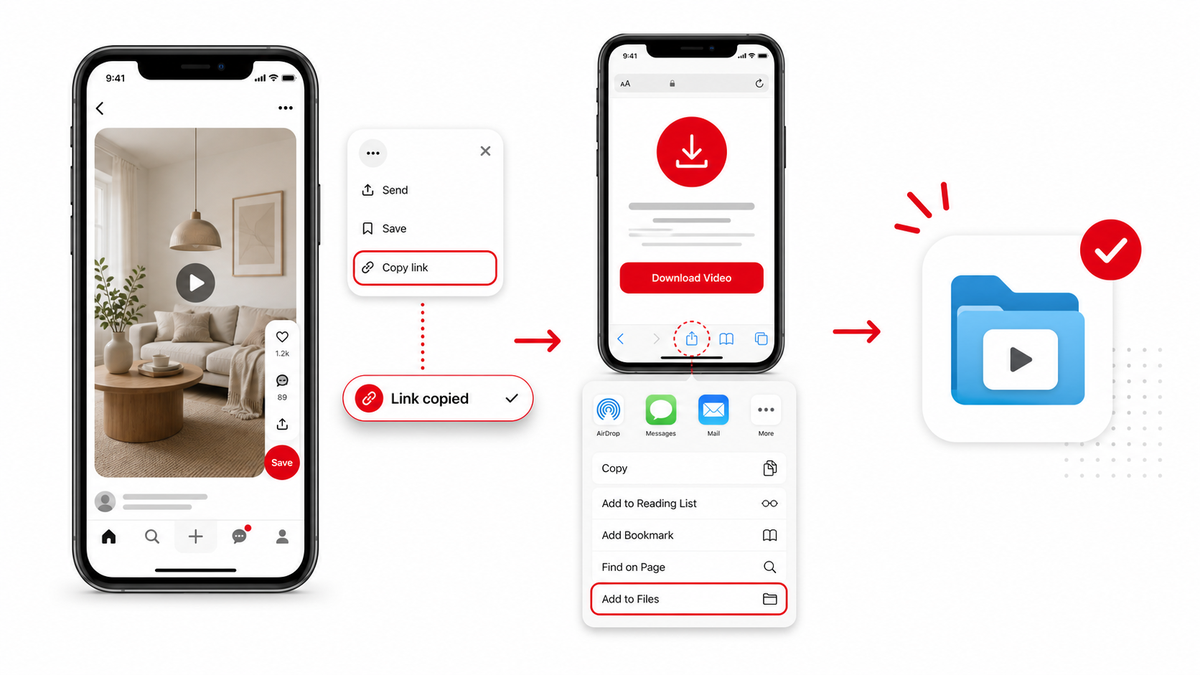
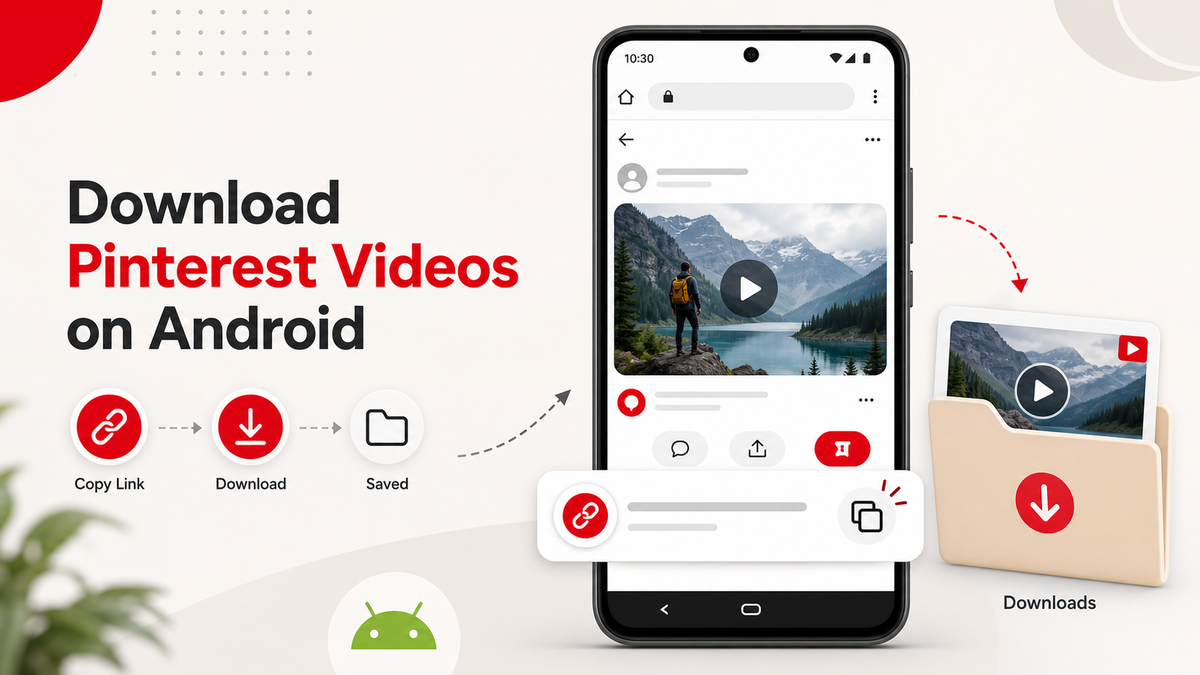
Copy the public video Pin link, paste it into PintVideo, wait for the preview, and download the MP4. The same process works on iPhone and Android.
Why MP4 Is Useful
MP4 files are easy to organize, preview, rename, upload to editing software, and play offline. They are useful for personal reference, content planning, teaching notes, and saving your own published Pins.
When MP4 Download May Fail
A download may fail if the URL is not a single public video Pin, if the Pin is image-only, or if Pinterest temporarily changes the media response. The link troubleshooting guide explains the most common fixes.
FAQ
Does PintVideo convert every Pinterest Pin to MP4?
No. PintVideo can download MP4 only when the public Pin has accessible video media.
Is MP4 good for mobile devices?
Yes. MP4 is supported by iPhone, Android, desktop operating systems, and most apps.
Can I convert Pinterest images to MP4?
No. Image Pins are not video files. Use video Pins when you need MP4 output.