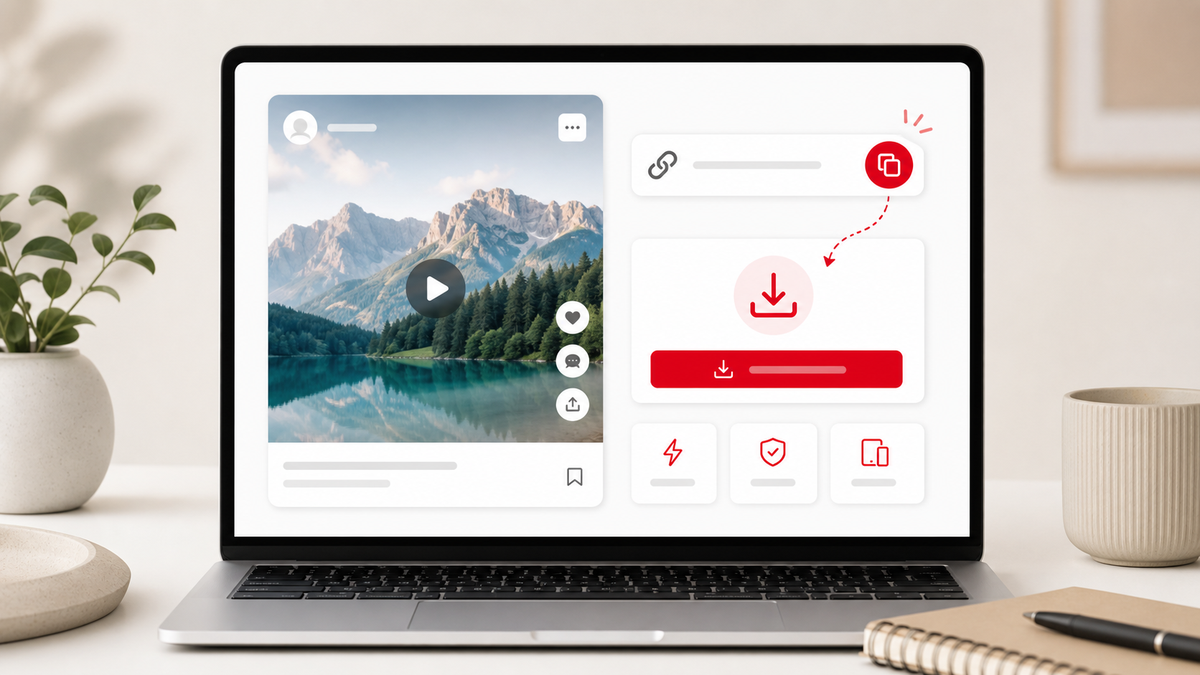
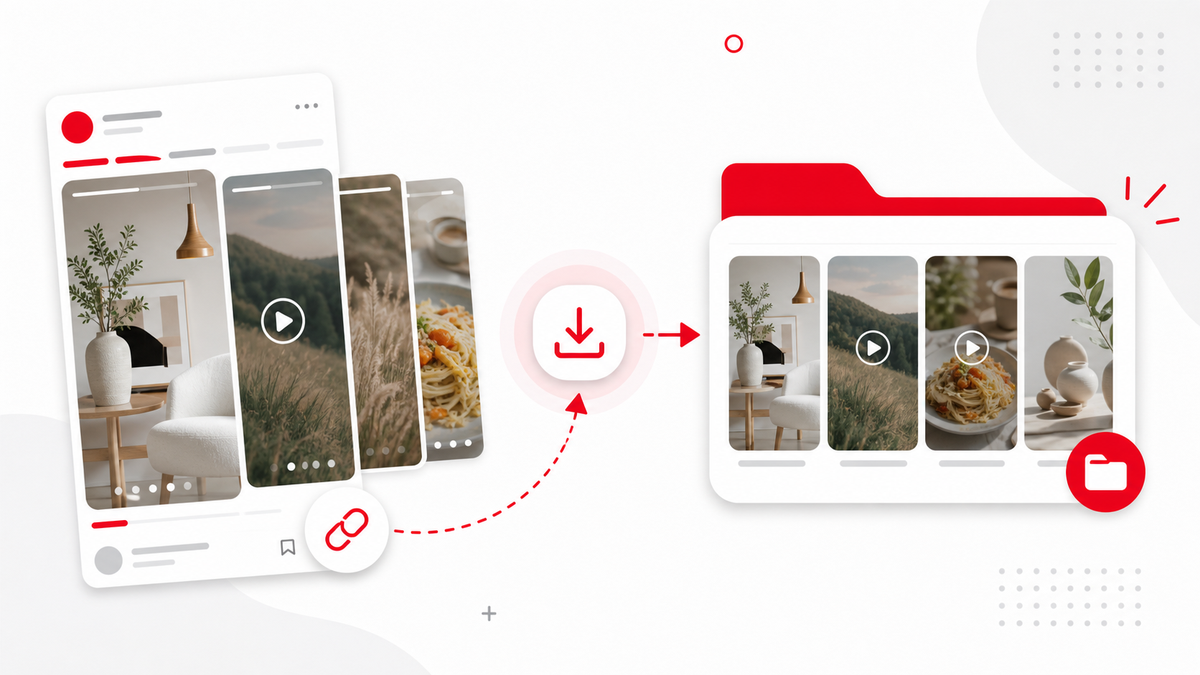
Idea Pins can contain multiple pages, videos, images, and story-style layouts. A Pinterest Idea Pin Downloader should look for downloadable video media inside the public Pin data. PintVideo checks supported public Pins and saves video files when Pinterest exposes an accessible MP4 source.
What Is an Idea Pin?
Idea Pins are richer Pins that may combine steps, clips, images, and carousel-style content. Some include video, while others are static or mixed. That is why one Idea Pin may download as video while another may not.
How to Try an Idea Pin
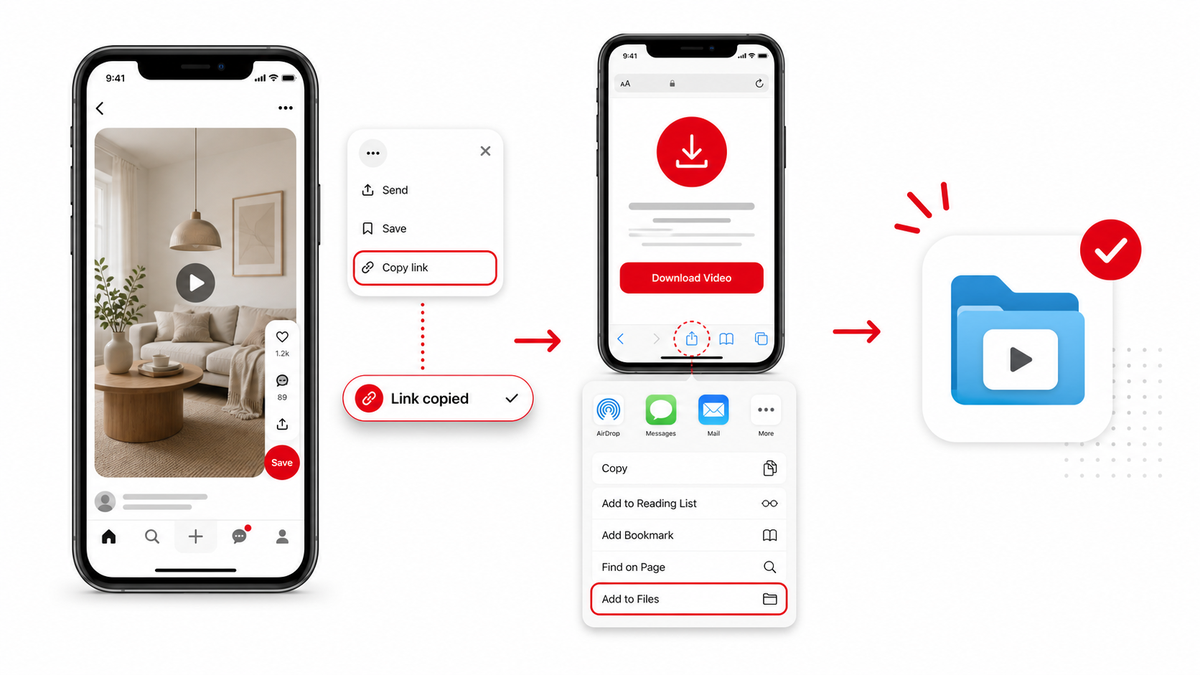
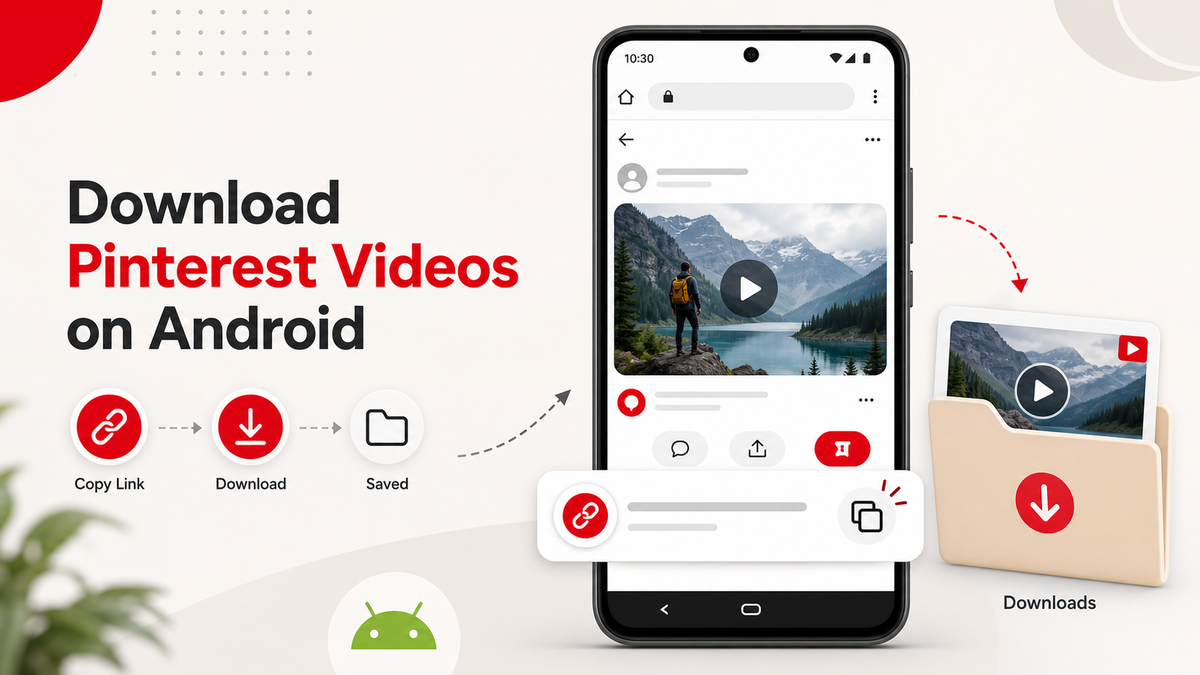
Copy the public Idea Pin URL and paste it into PintVideo. If the resolver finds video media, download the MP4. For the basic workflow, see the general Pinterest video guide. Device-specific tips are available for iPhone and Android.
Why Some Idea Pins Do Not Download
The Pin may be private, deleted, image-only, mixed media without accessible video, or temporarily restricted. If the URL itself fails, use the troubleshooting guide before trying again.
Permission and Reuse
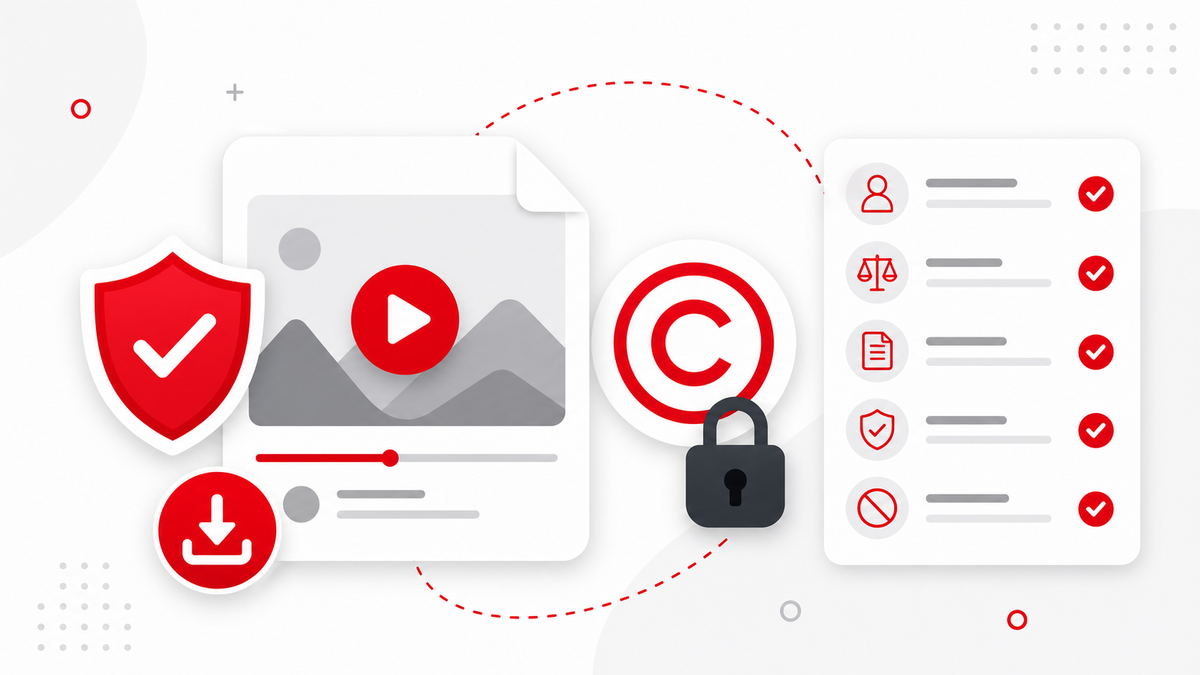
Idea Pins often contain creator work, tutorials, recipes, product demos, or brand assets. Save them responsibly and read the legal and safety guide before reposting or editing anything publicly.
FAQ
Can PintVideo download every Idea Pin?
No. It can download only public Idea Pins that expose accessible video media.
Can an Idea Pin contain images and video together?
Yes. Idea Pins can be mixed, and only supported video media is downloadable in PintVideo v1.
What should I do if an Idea Pin fails?
Confirm that the URL opens a public Pin, then retry with the direct Pin link.