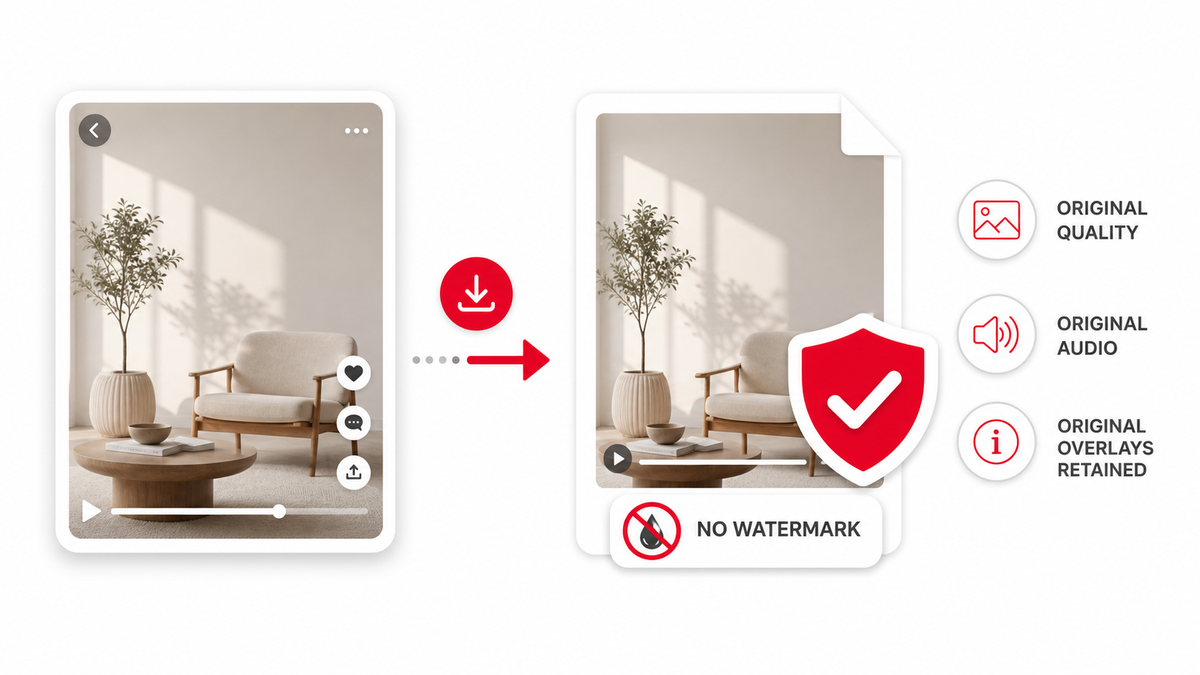
A Pinterest video downloader without watermark should not add new branding to the file it saves. PintVideo does not place its own logo over downloaded public videos. However, it also does not remove text, creator marks, captions, stickers, or overlays already present in the original video.
No Added Watermark vs Watermark Removal
No added watermark means the downloader does not add new visual branding. Watermark removal means editing a video to erase something that is already inside the media. These are different tasks. Removing creator marks can raise ethical, attribution, and copyright concerns.
What PintVideo Downloads
PintVideo downloads the accessible public video file made available for a supported Pinterest Pin. If that source video contains captions, usernames, brand marks, or edited-in text, those elements remain because they are part of the video.
Use Downloads Responsibly
Save Pinterest videos for personal reference, backup of your own work, research, or approved workflows. Before reposting or editing someone else's content, read the legal and safety guide.
FAQ
Does PintVideo add a watermark?
No. PintVideo does not add its own watermark to supported public video downloads.
Can PintVideo remove an existing watermark?
No. It does not remove logos, captions, creator marks, or other overlays already present in the source video.
Why does my downloaded video still show text?
That text was likely part of the original Pinterest video file.